This is the multi-page printable view of this section. Click here to print.
User Interface
- 1: Sidebar
- 2: Main Screens
1 - Sidebar
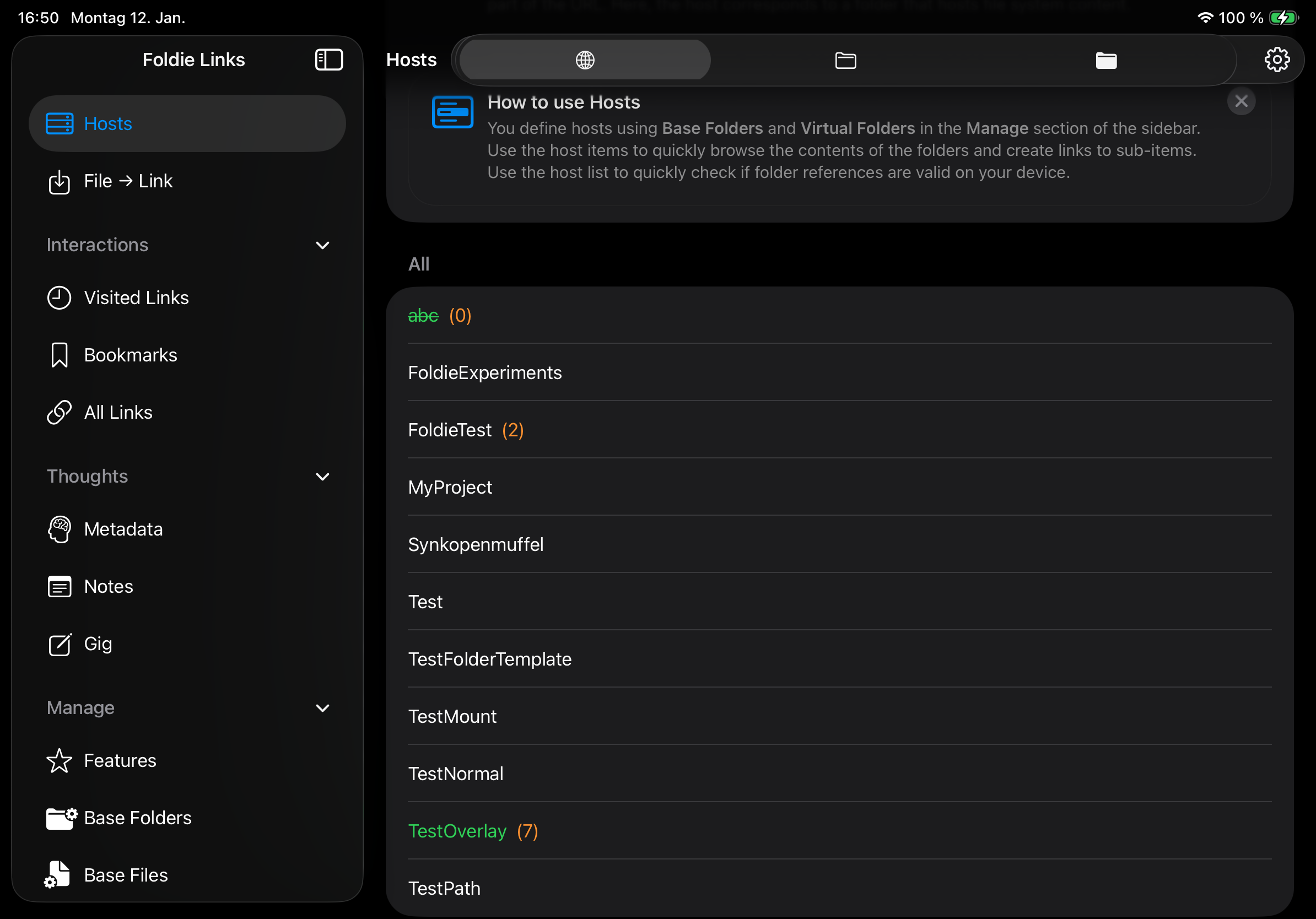
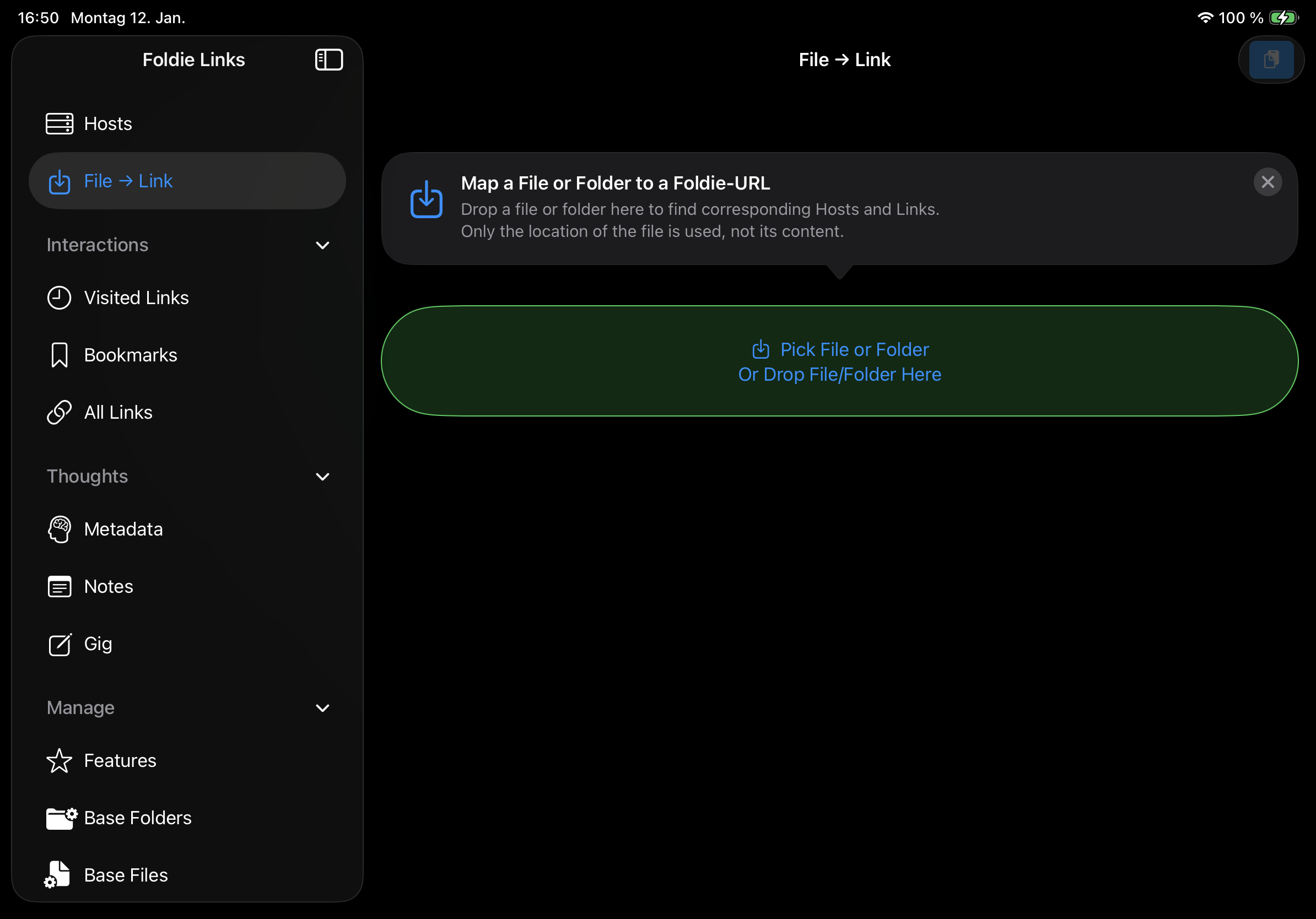
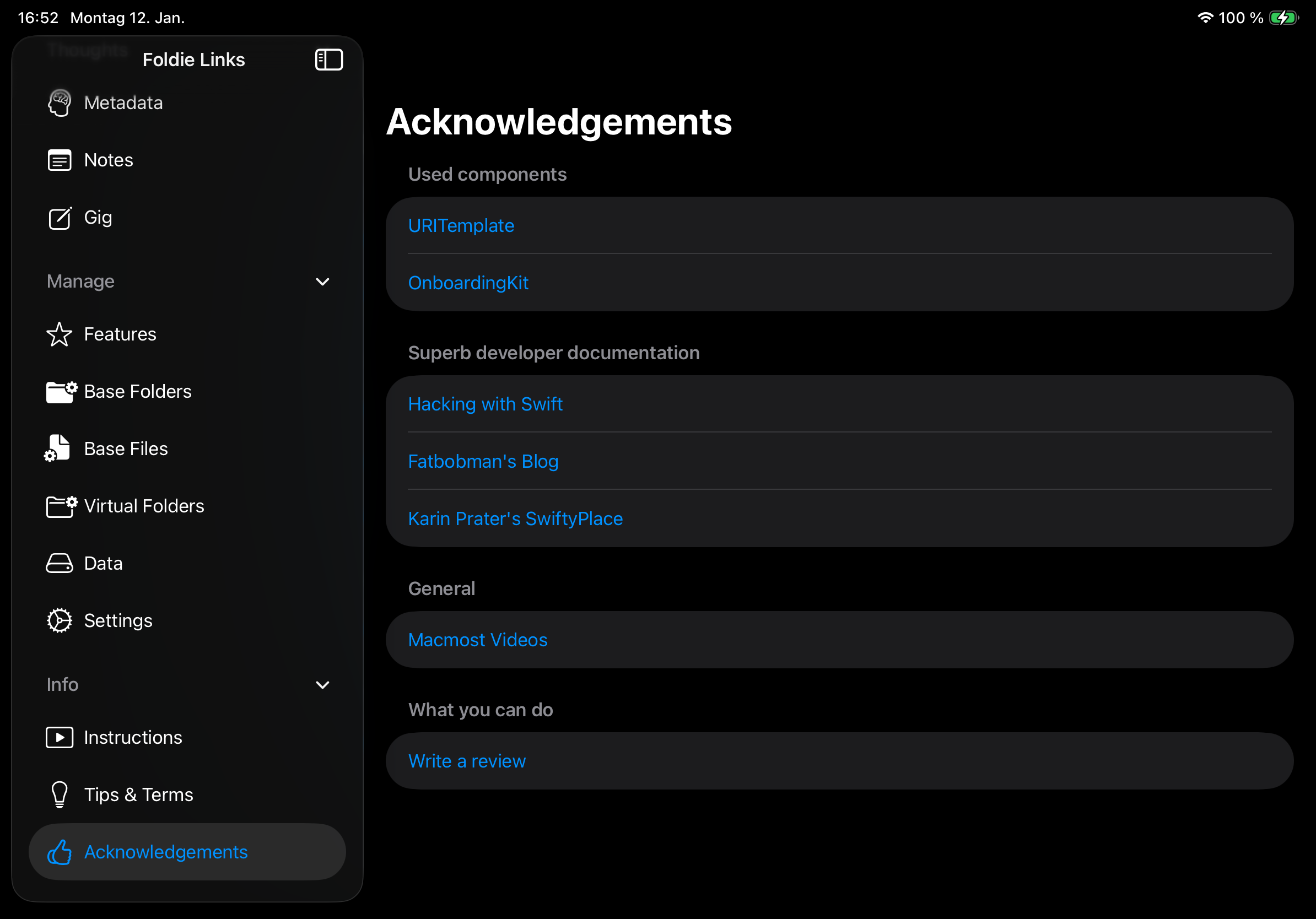
The elements of the sidebar.
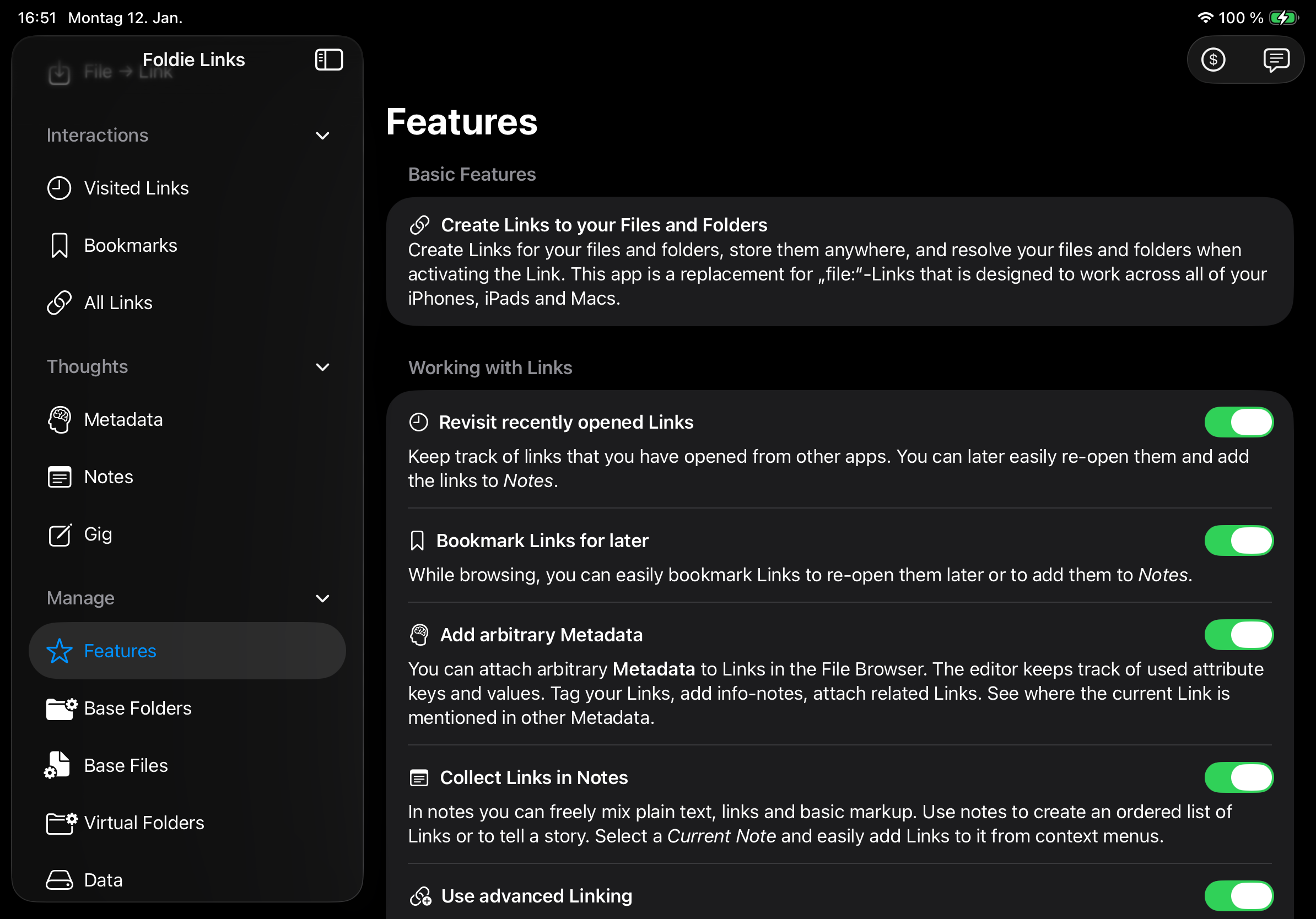
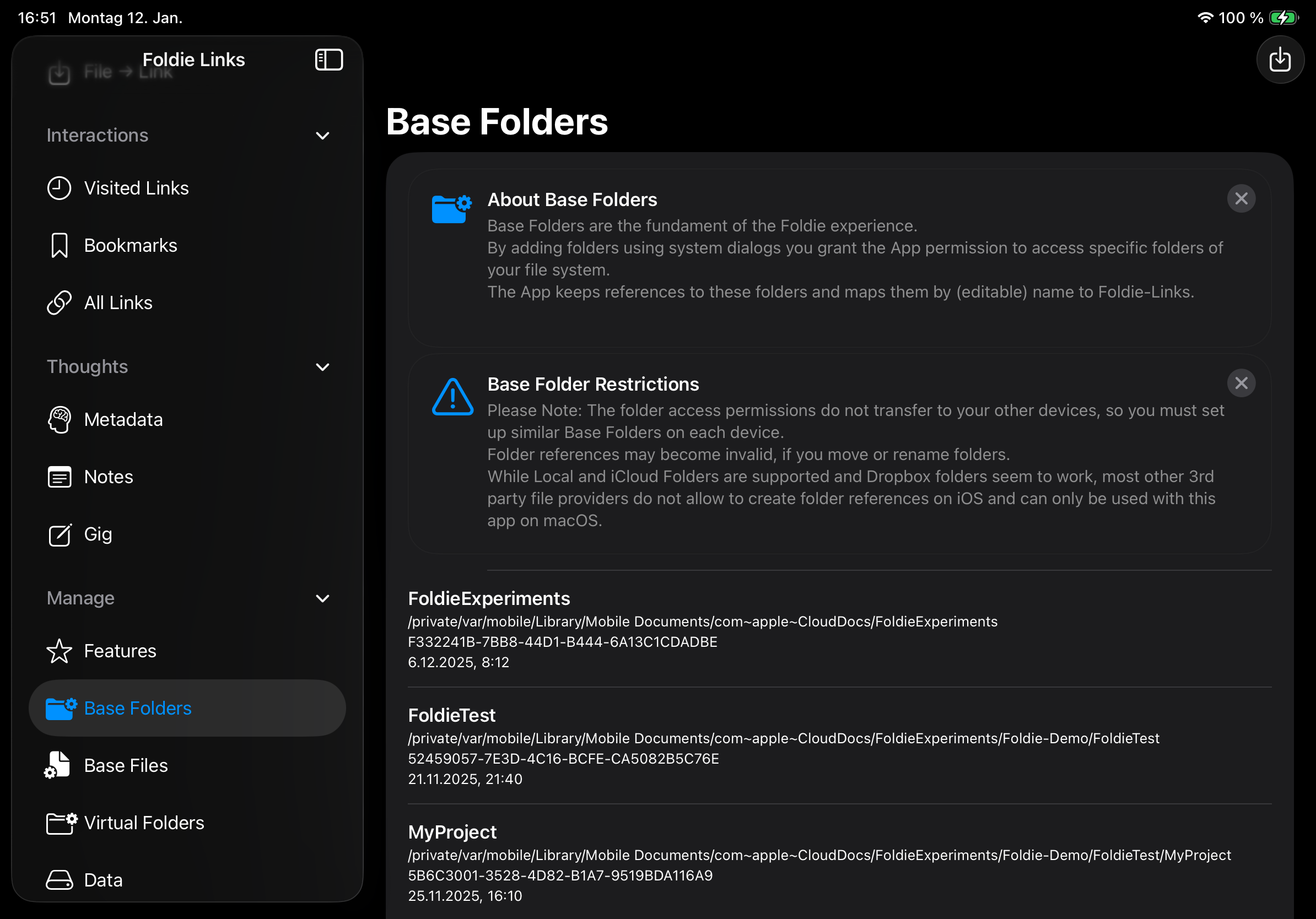
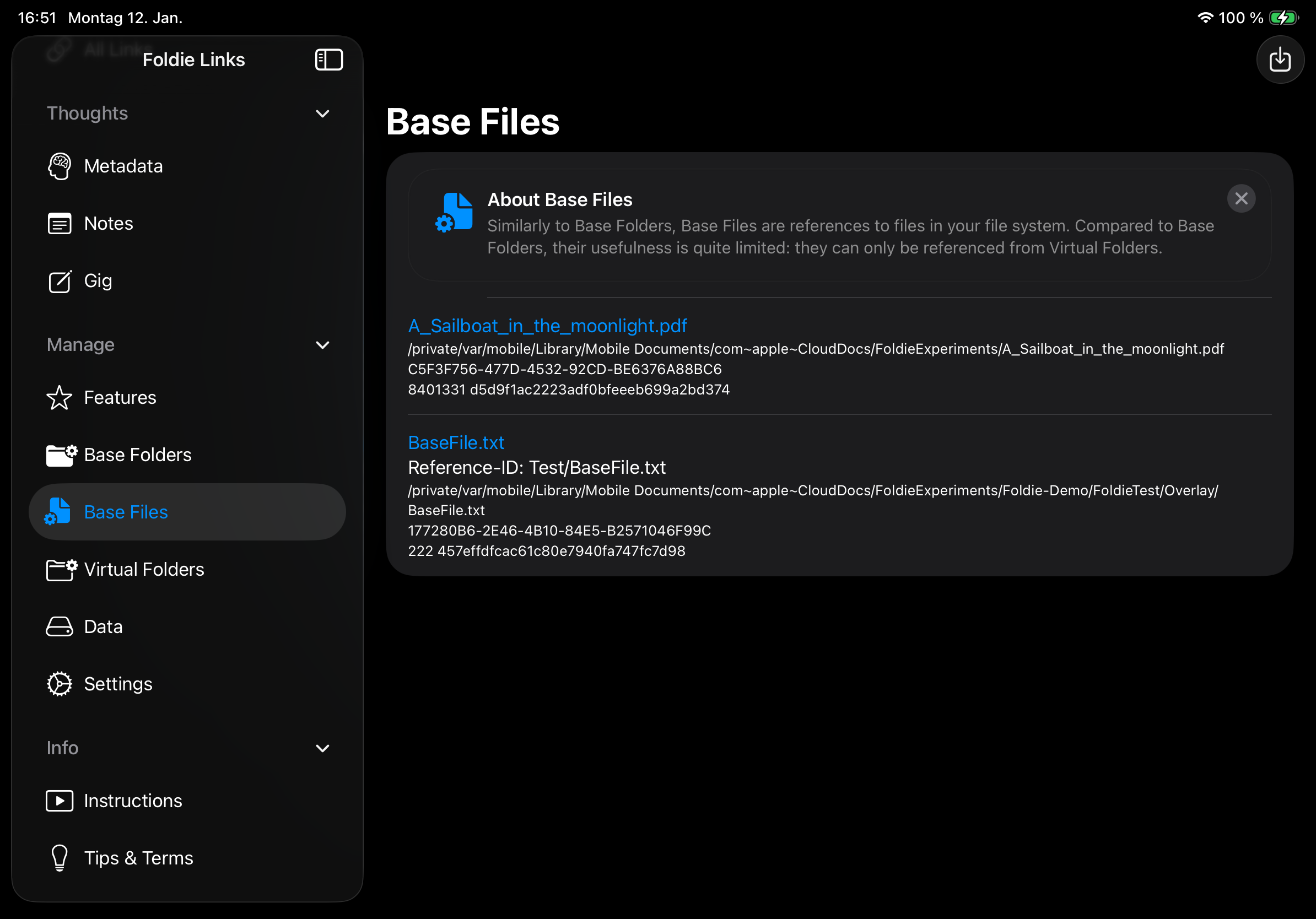
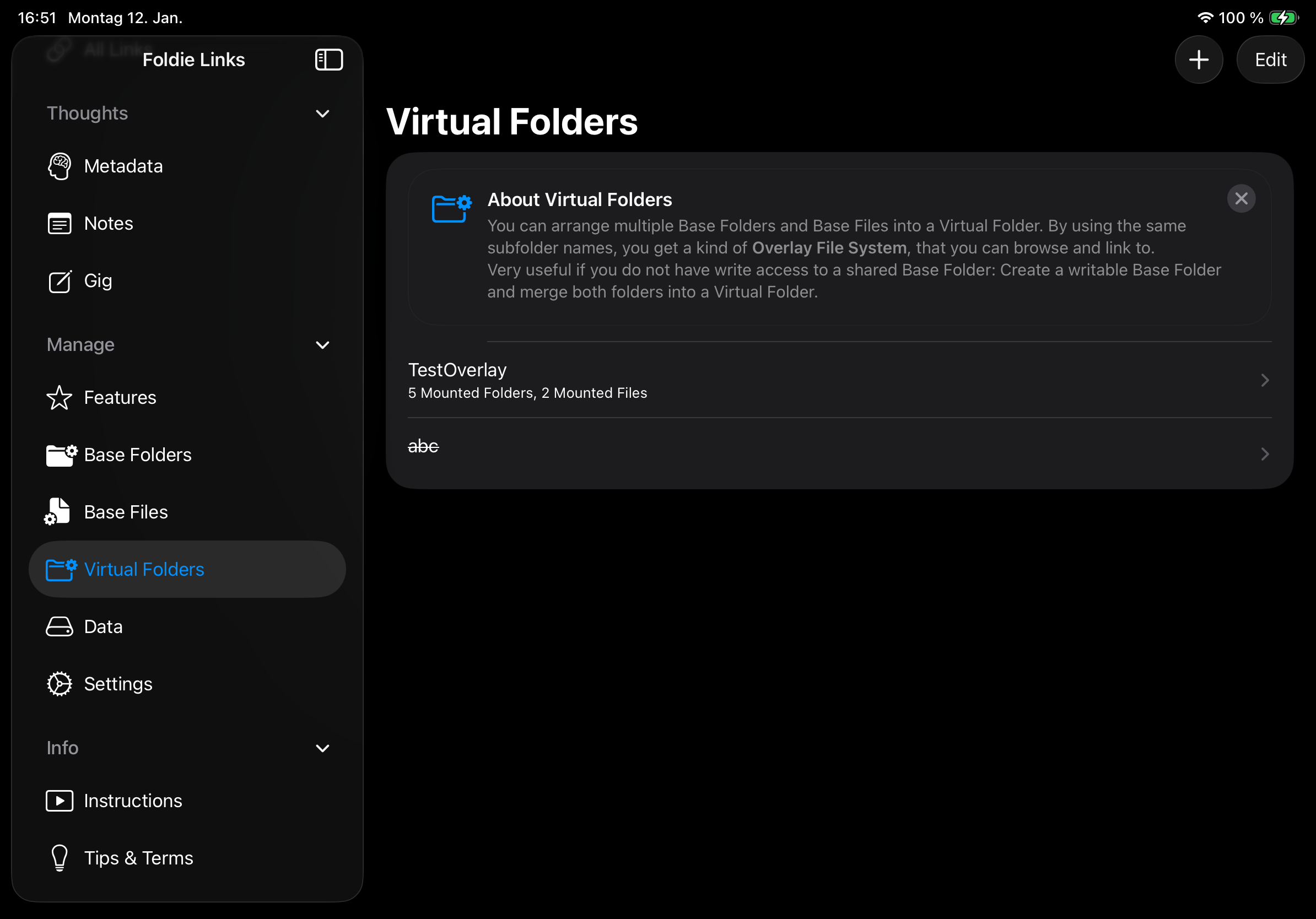
For iPad screenshots of the main screens, see here.
- Top
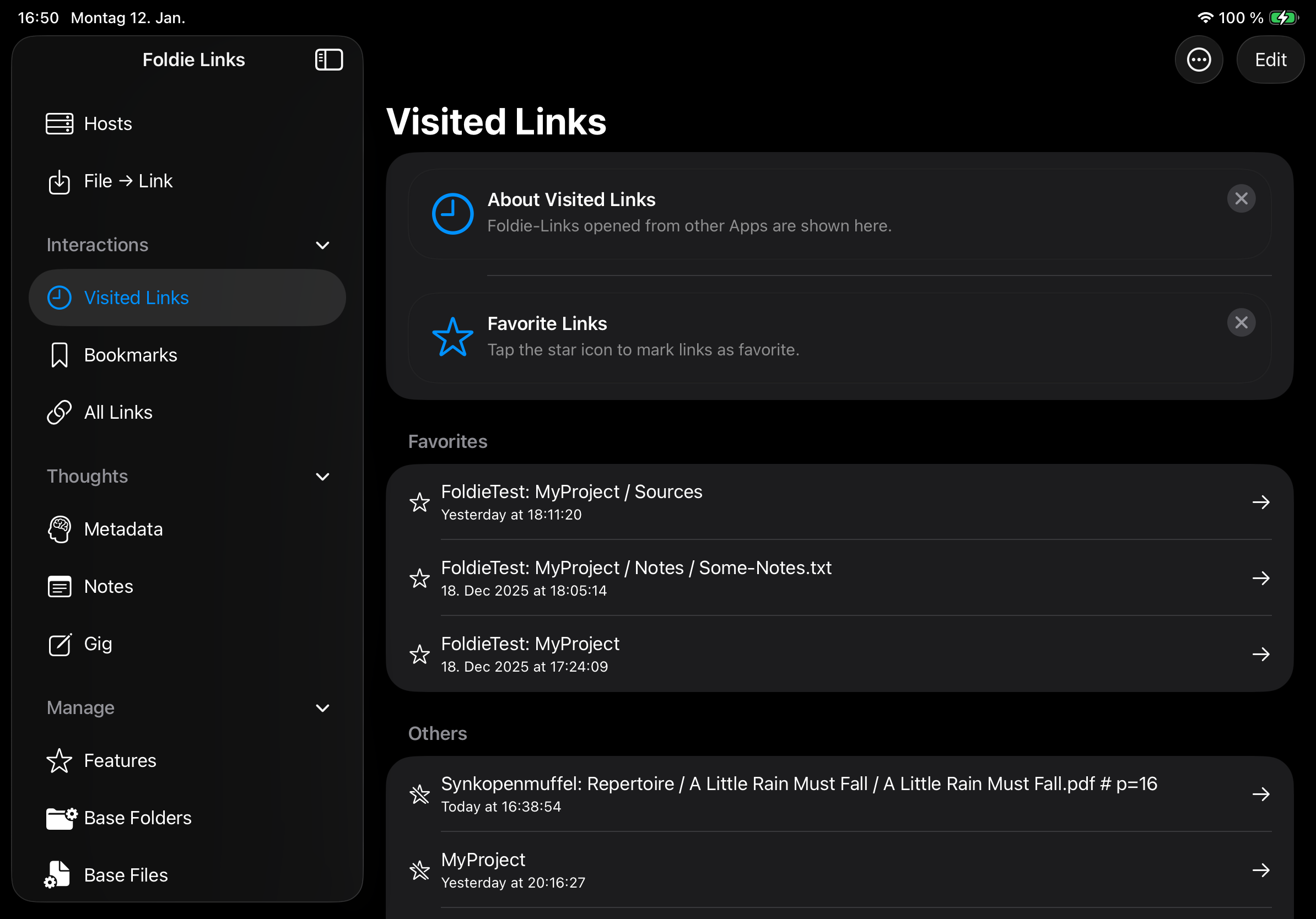
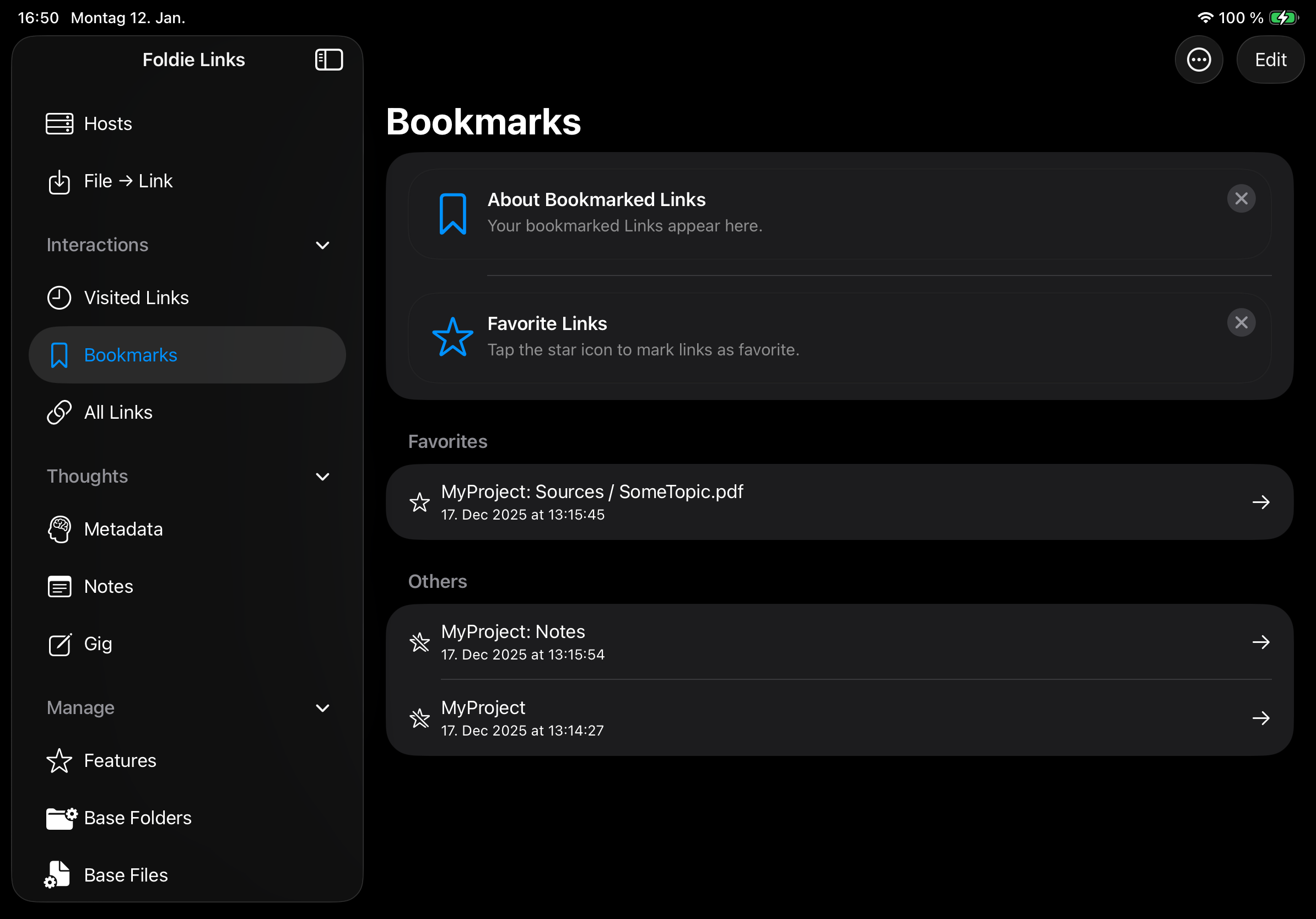
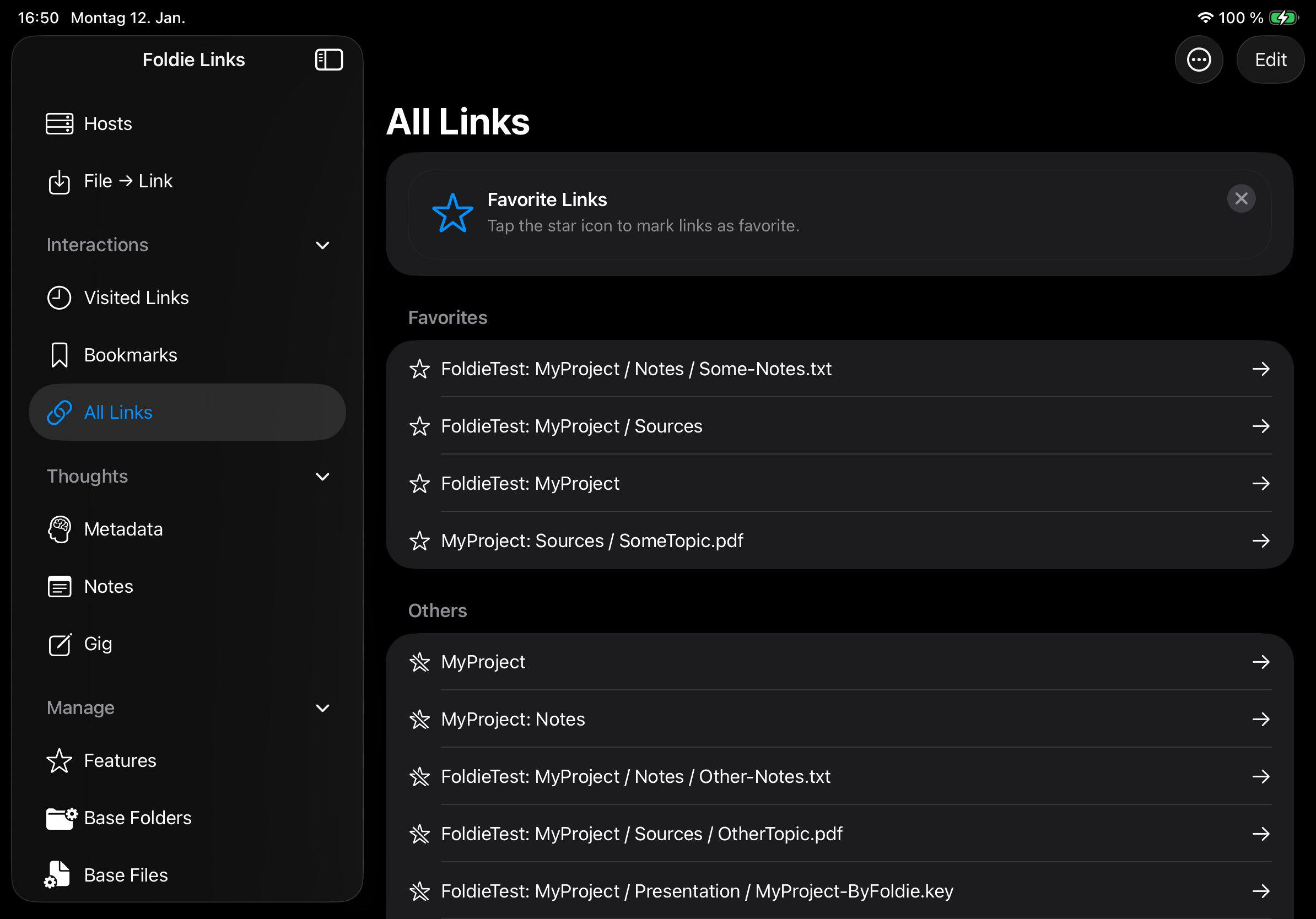
- Interactions
- Visisted Link: List Foldie-Links opened from other apps.
- Bookmarks: List your bookmarked links.
- All Links: List all visited and bookmarked links.
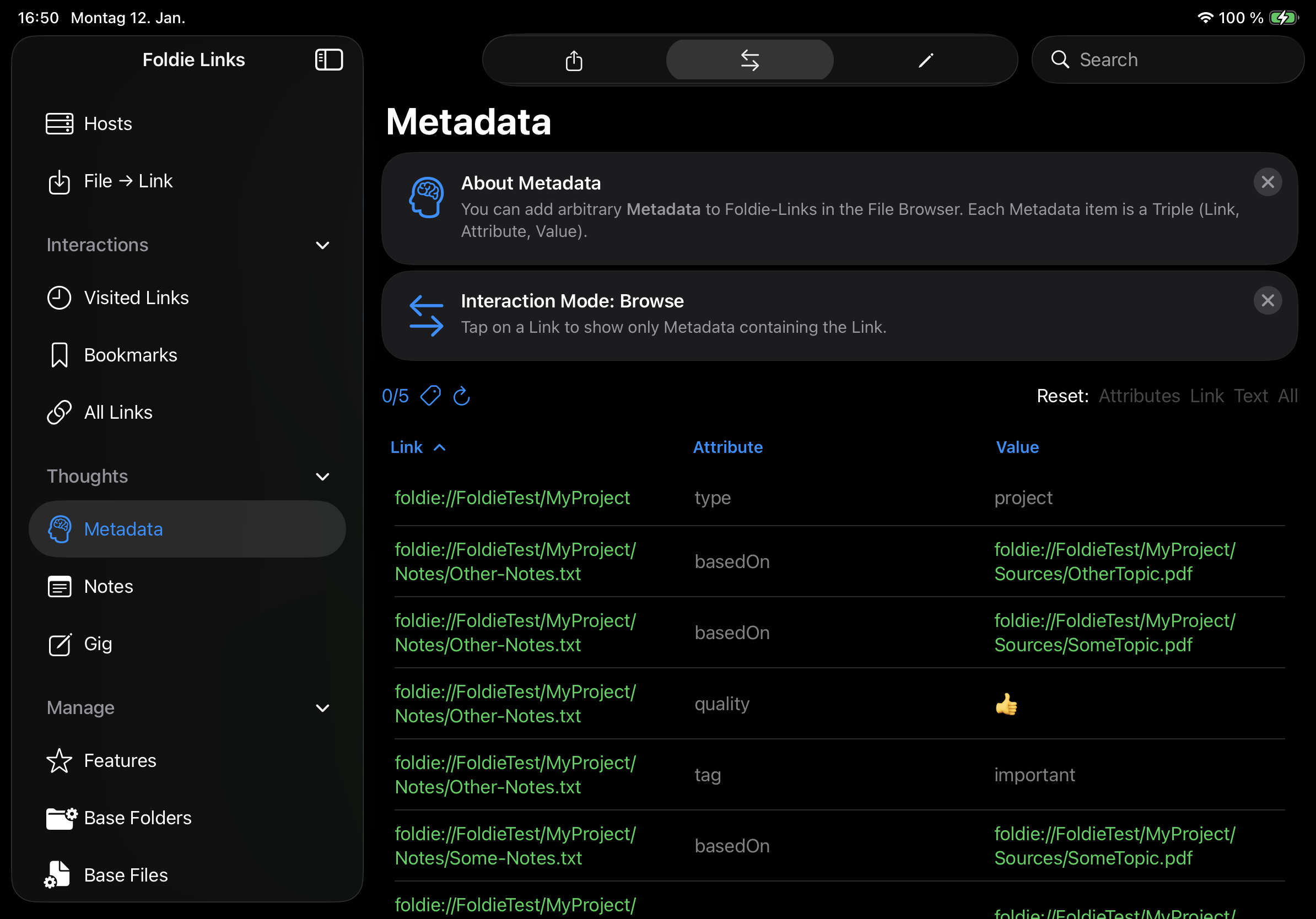
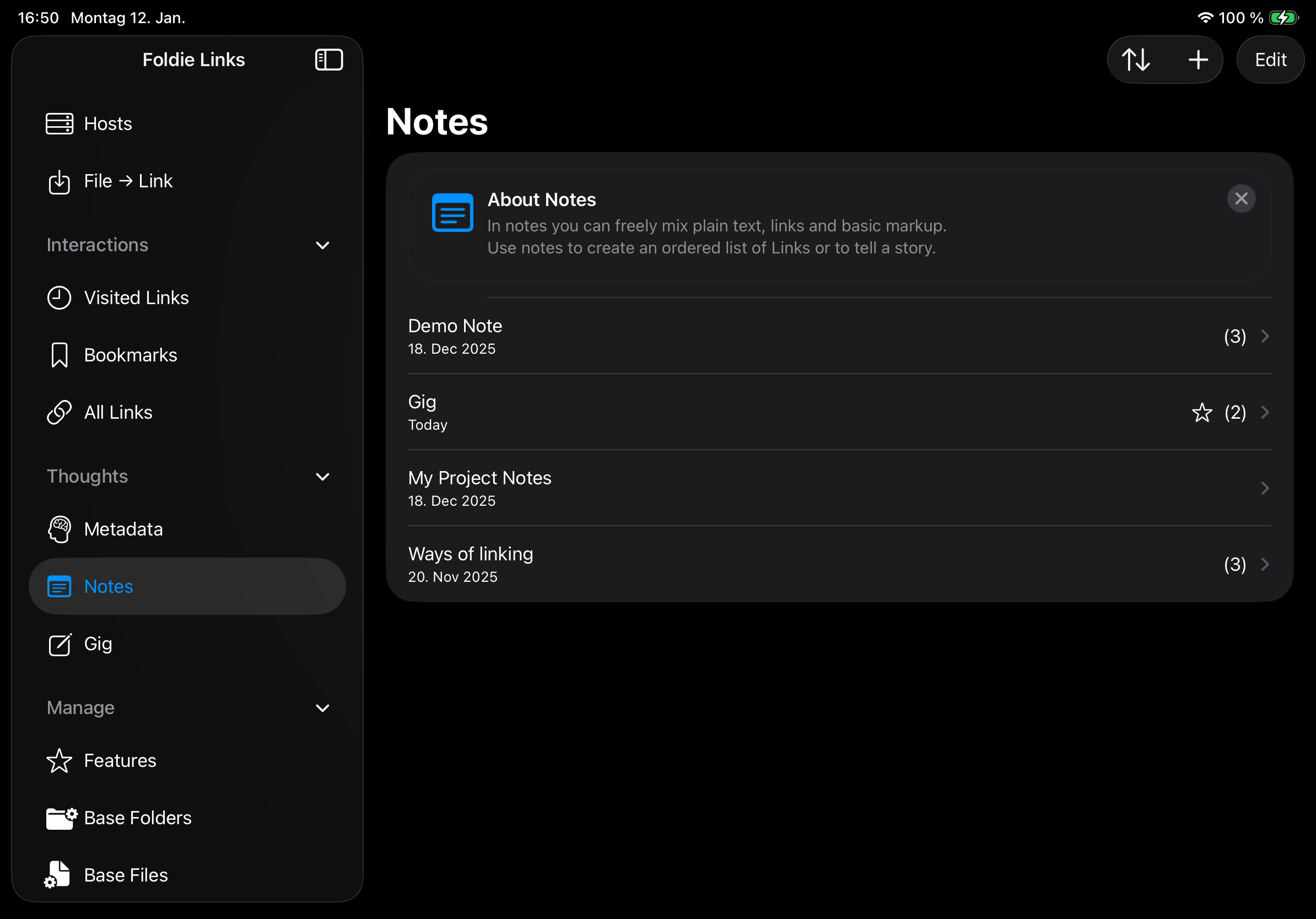
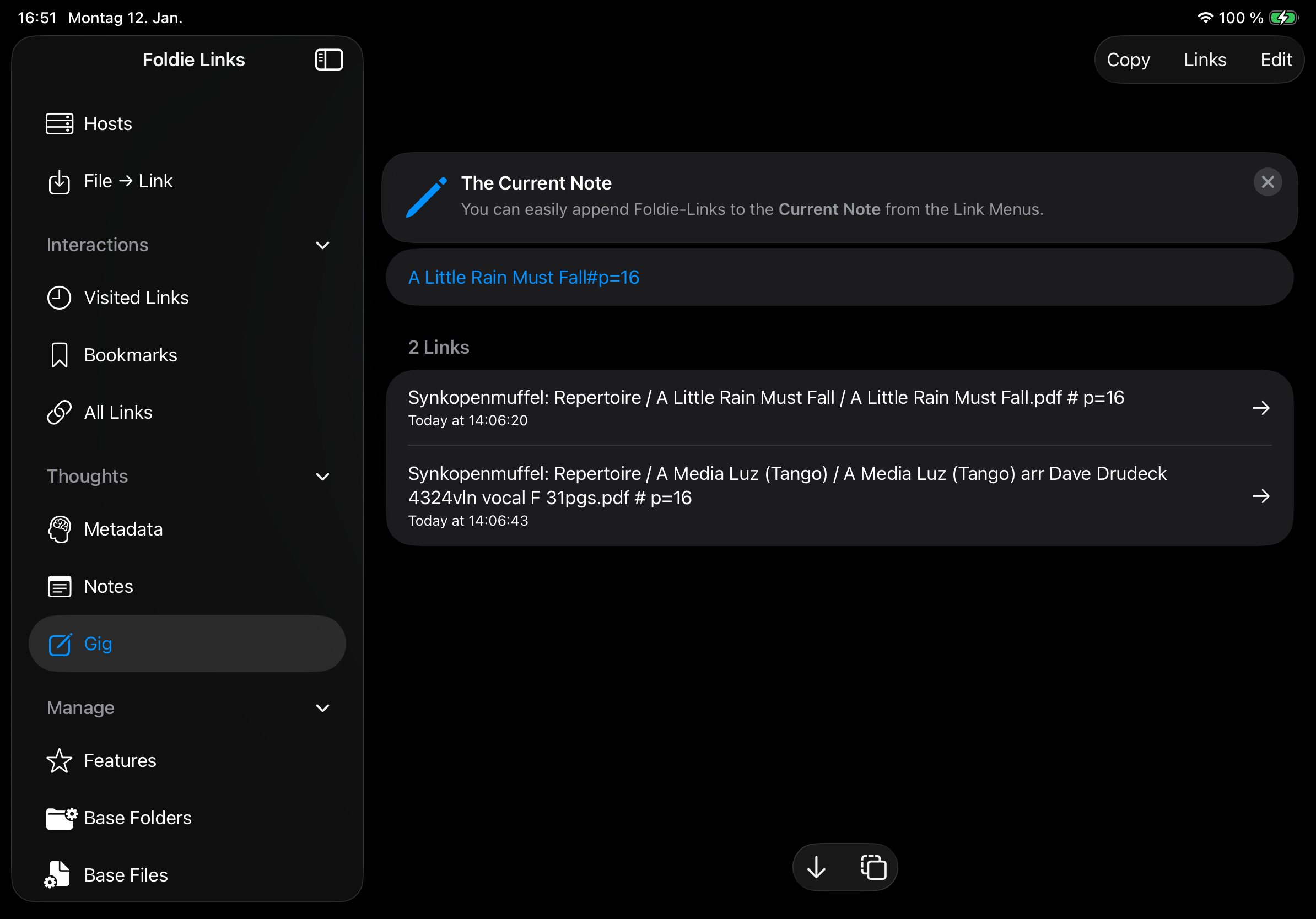
- Thoughts
- Metadata: List and browse Metadata.
- Notes: List and edit notes.
- Current Note: Edit the note, to which links are appended by default.
- Manage
- Features: Activate and buy pro features.
- Base Folders: Add and remove base folders.
- Base Files: Add and remove base files.
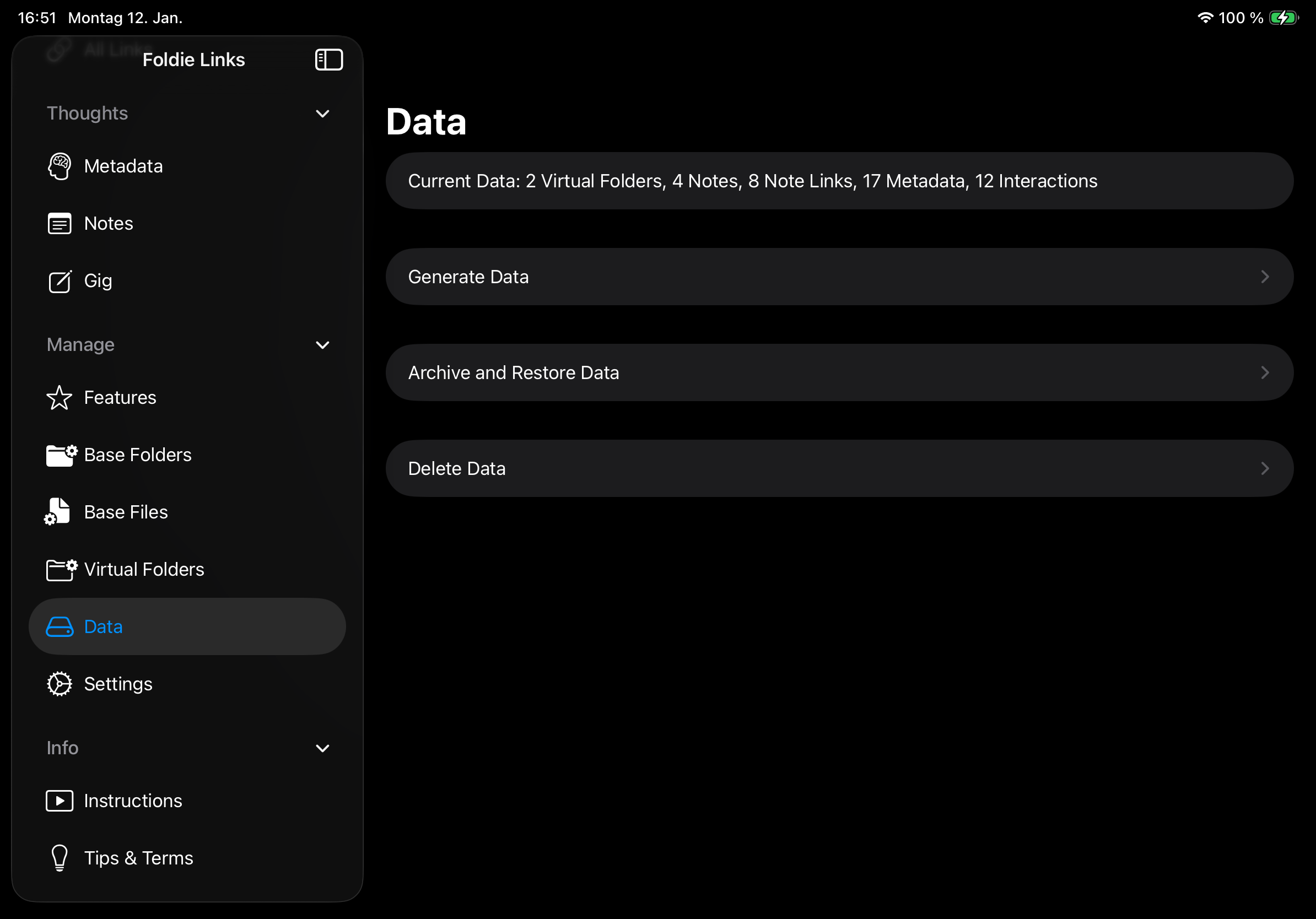
- Data: Get information about stored data and generate test data.
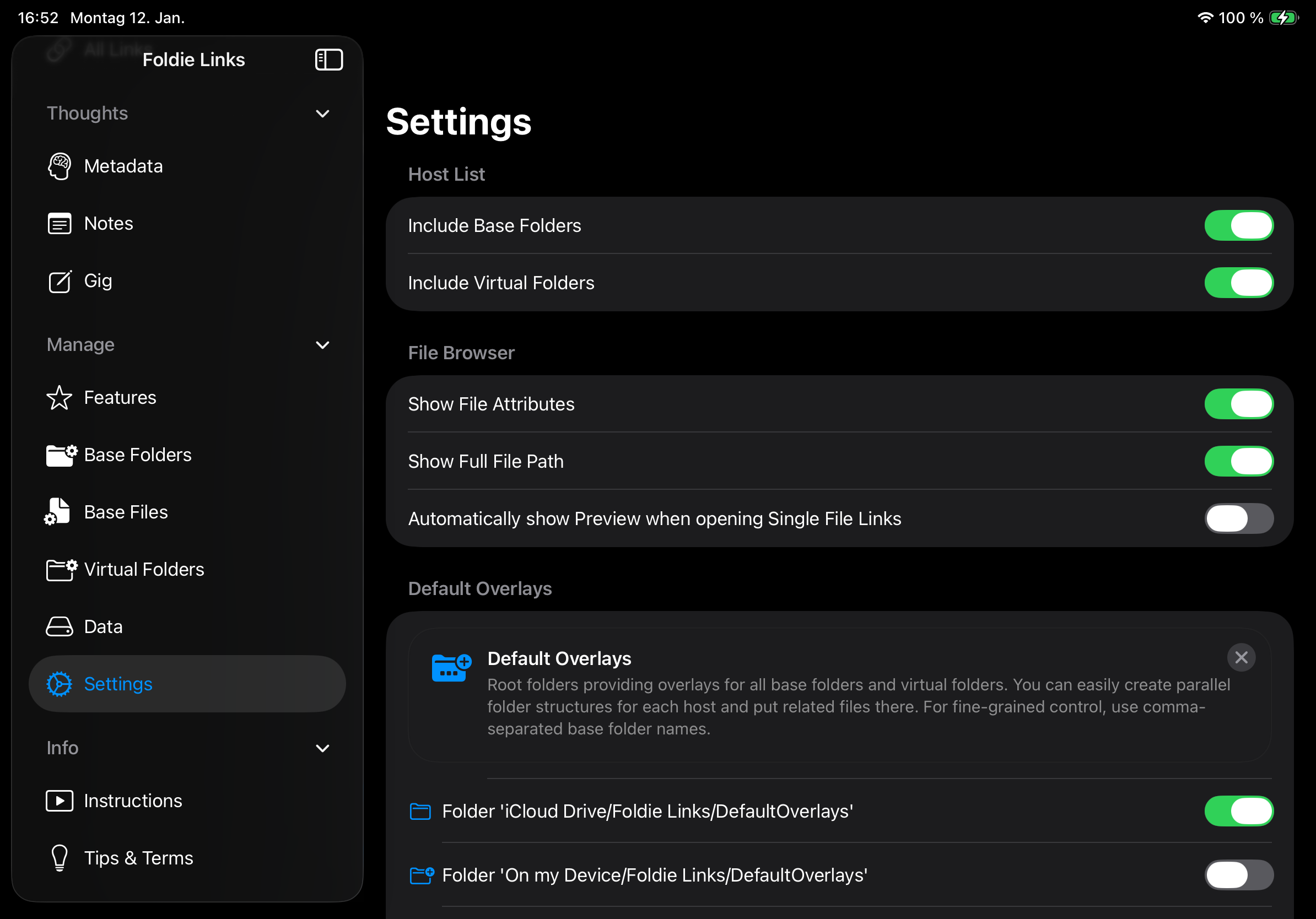
- Settings: Adjust options.
- Info
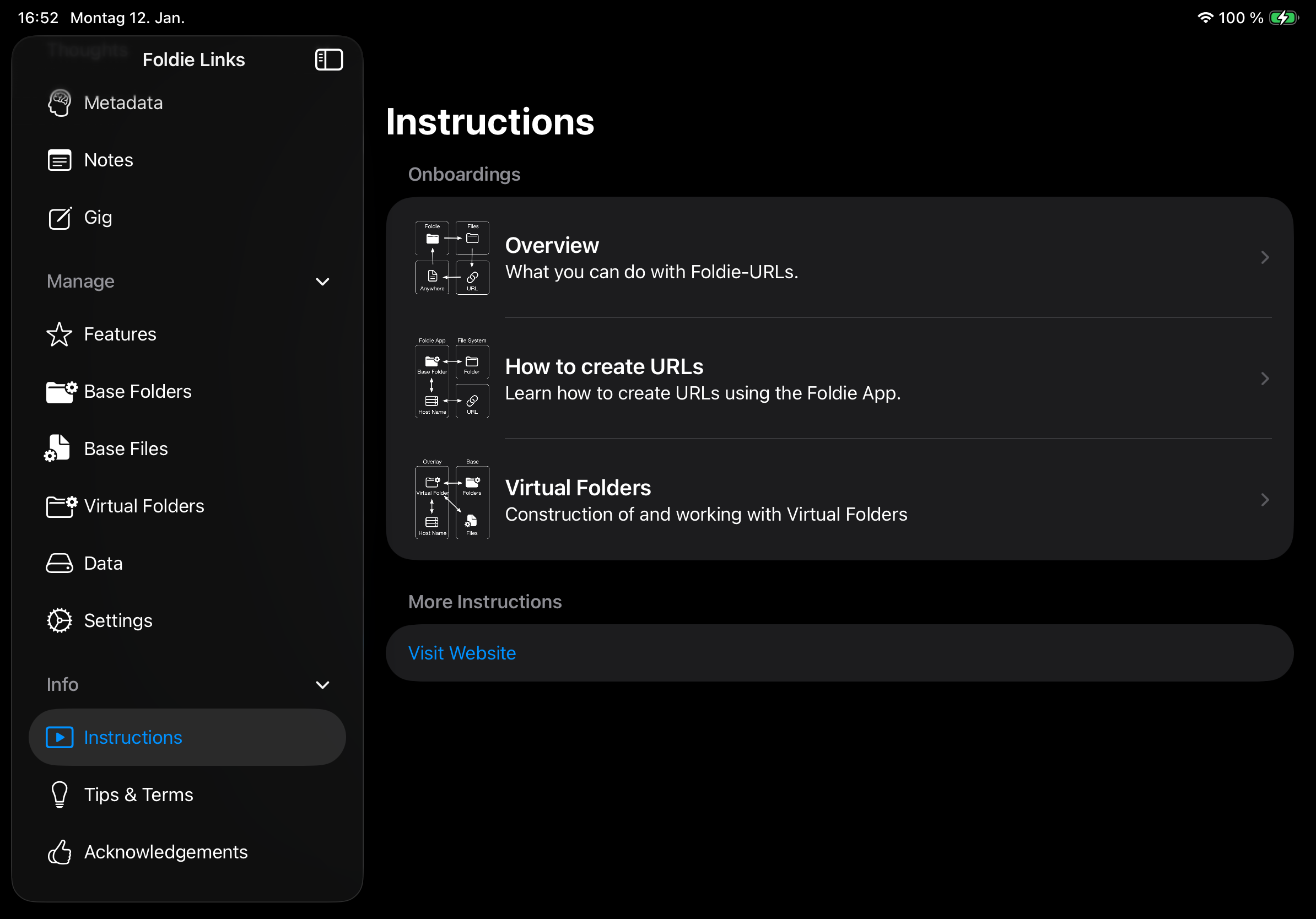
- Instructions: Get instructions.
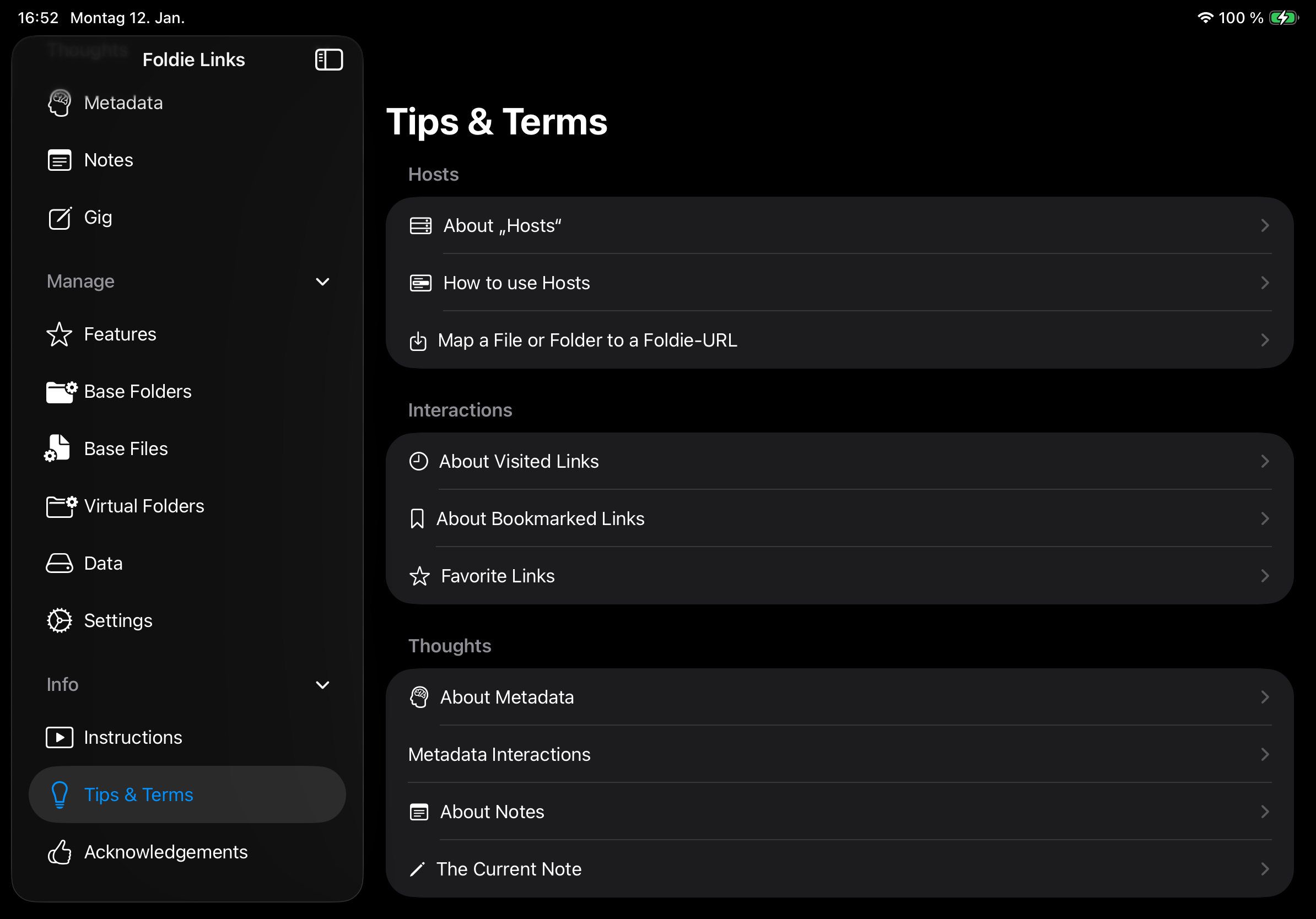
- Tips & Terms: Reveal tips that you dismissed before.
- Acknowledgements: Write a review.